
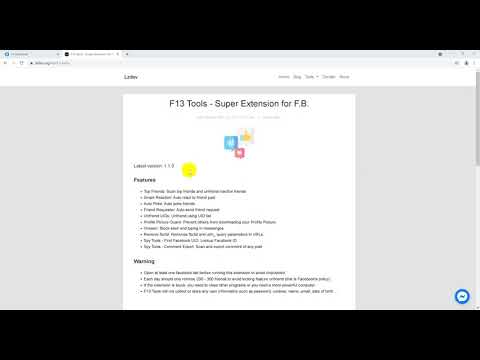
F13 Tools - Super Extension for F.B.
Latest version: 1.3.8
Features:
- Friend Ranking: Statistics and removal of non-interacting friends.
- Smart Reaction: Automatically react with smart/emotional responses.
- Auto Poke: Automatically poke friends.
- Friend Requester: Automatically send friend requests.
- Unfriend UIDs: Unfriend using a list of UIDs.
- Remove All: Remove all friends, unlike all pages, leave all groups.
- Find ID: Tool to find Facebook UIDs.
- Joined Groups: Scan groups that you or your friends have joined.
- Liked Pages: Scan pages that you or your friends have liked.
- Comment Export: Comment scanning tool, export comments to CSV or Excel file.
Notes:
- Open at least 1 Facebook tab before running the F13 Tools extension to avoid Facebook checkpoint.
- Each day you should only unfriend 200–300 friends to avoid having the unfriend feature temporarily blocked.
- If the extension stops or freezes, you need to close other running programs or use a computer with better processing power.
- F13 Tools does not collect or store any user information such as passwords, cookies, name, email, date of birth…
How to install F13 Tools from file?
- Step 1: Download install file here.
- Step 2: Unzip downloaded file.
- Step 3: Open a new Chrome tab with the address:
chrome://extensions/ - Step 4: Enable Developer mode (at the top-right corner of the screen).
- Step 5: Click Load unpacked and open the unzipped folder.
How to handle when an error occurs
Try one of the following:
- Download and install the latest version.
- If you’re using Facebook in Free Mode, switch to Data Mode. See more here.
- Switch Default Mobile Site from Basic to Regular here.
- Make sure the network is working fine.
- Close other unnecessary tabs.
- Log out and re-login to Facebook.
- Close and reopen F13 Tools.
- If all of the above doesn’t work, try again at a different time, avoiding peak hours.
If you have any questions about F13 Tools, contact lzdev.org@gmail.com for assistance.